KMS
Obsidian and Neovim friendly workflow
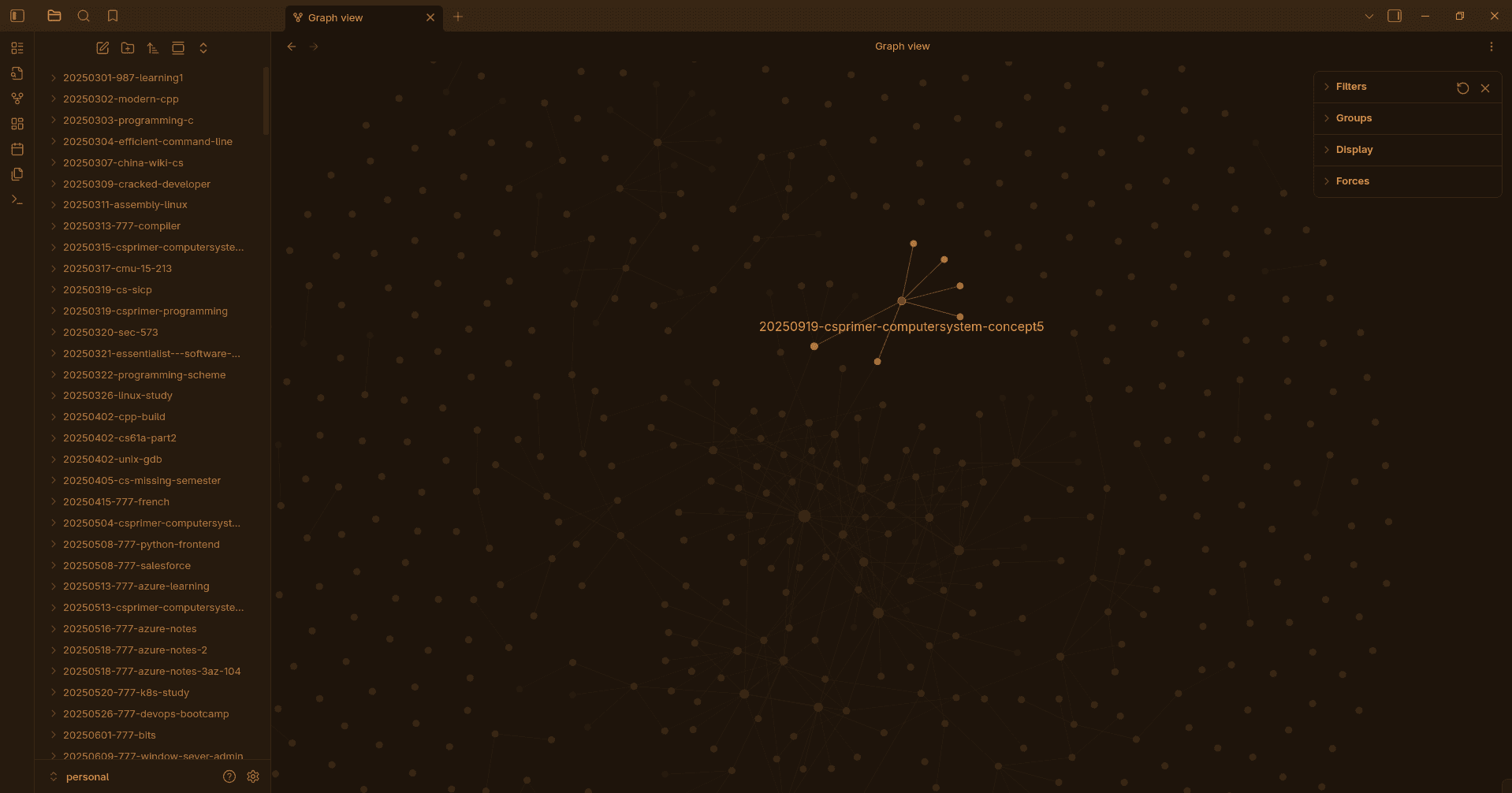
- Utilize lua script to create pasted img into markdown notes with markdown links
- Filename starting date number so that the newest file can always be sorted in the top
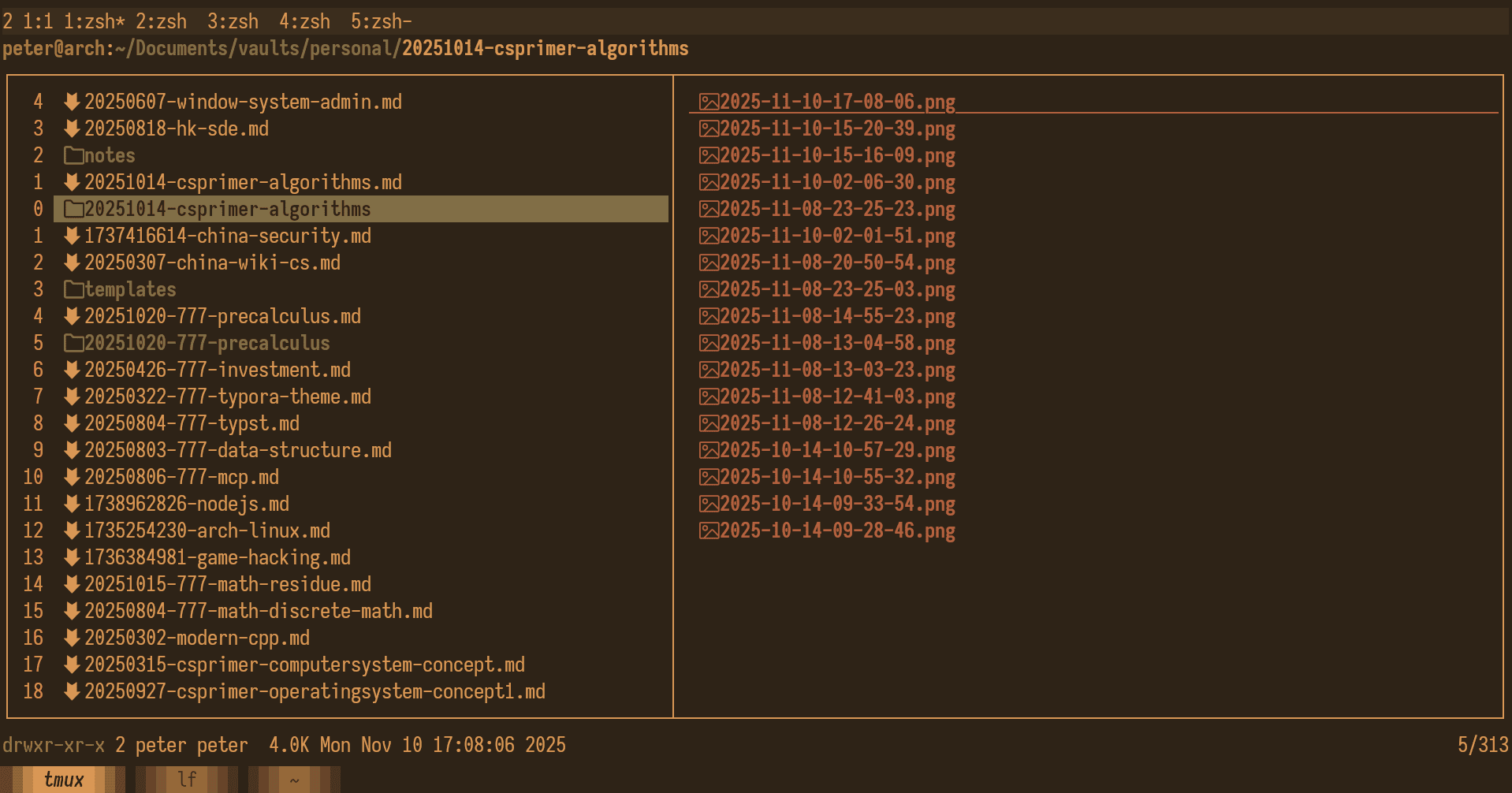
- inserting notes
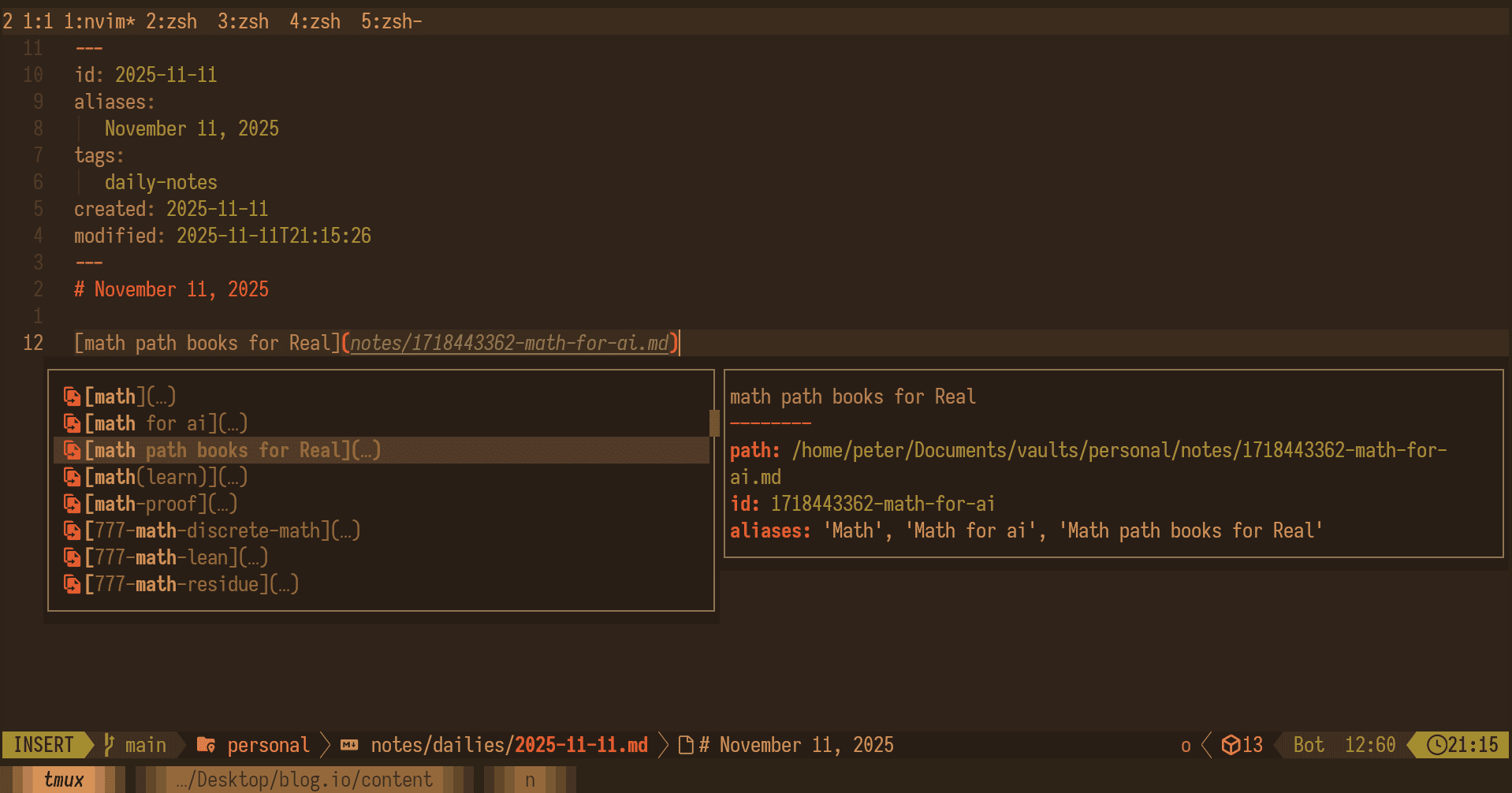
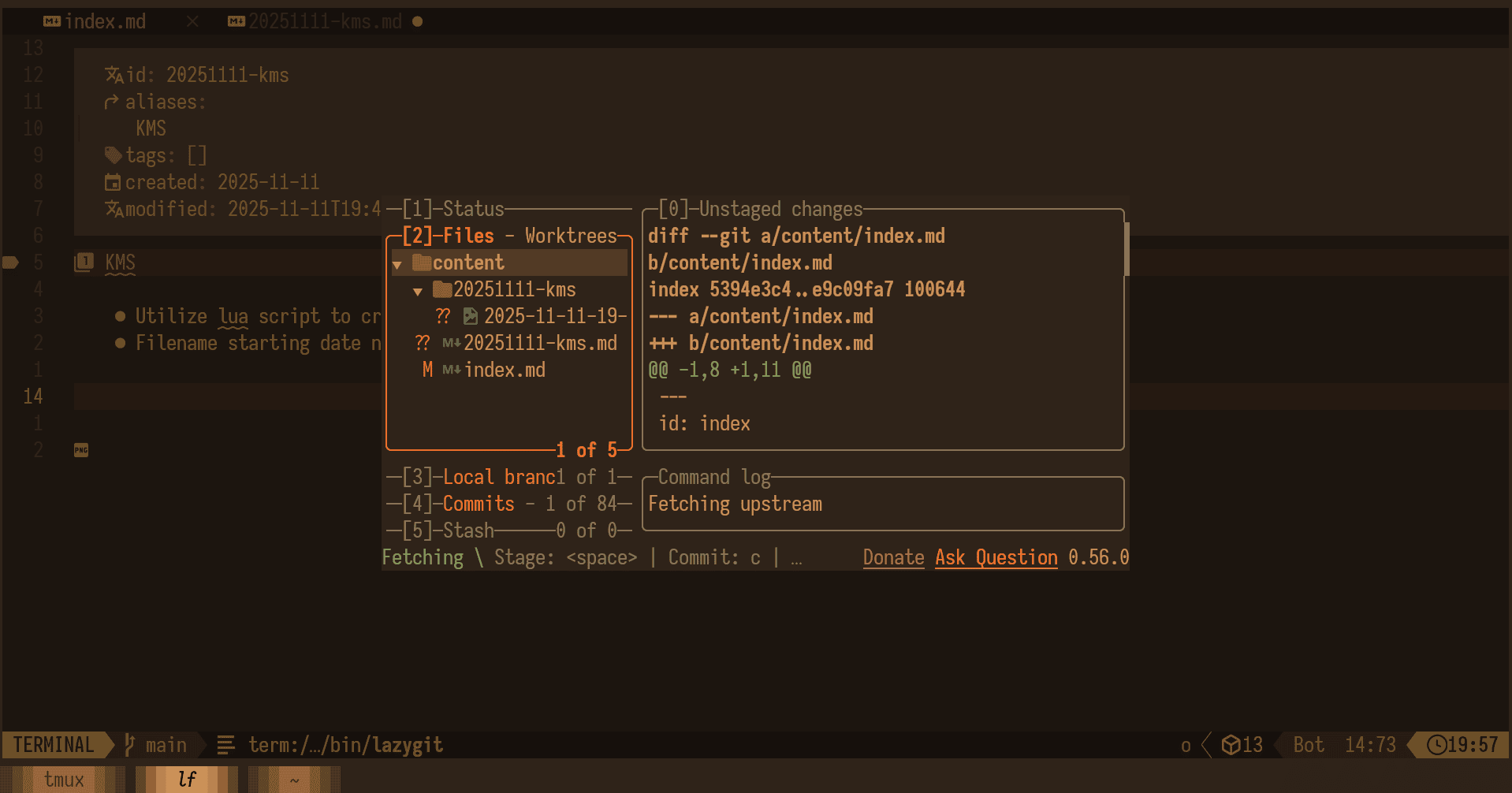
- using git for cross platform sync
Snippet Customization
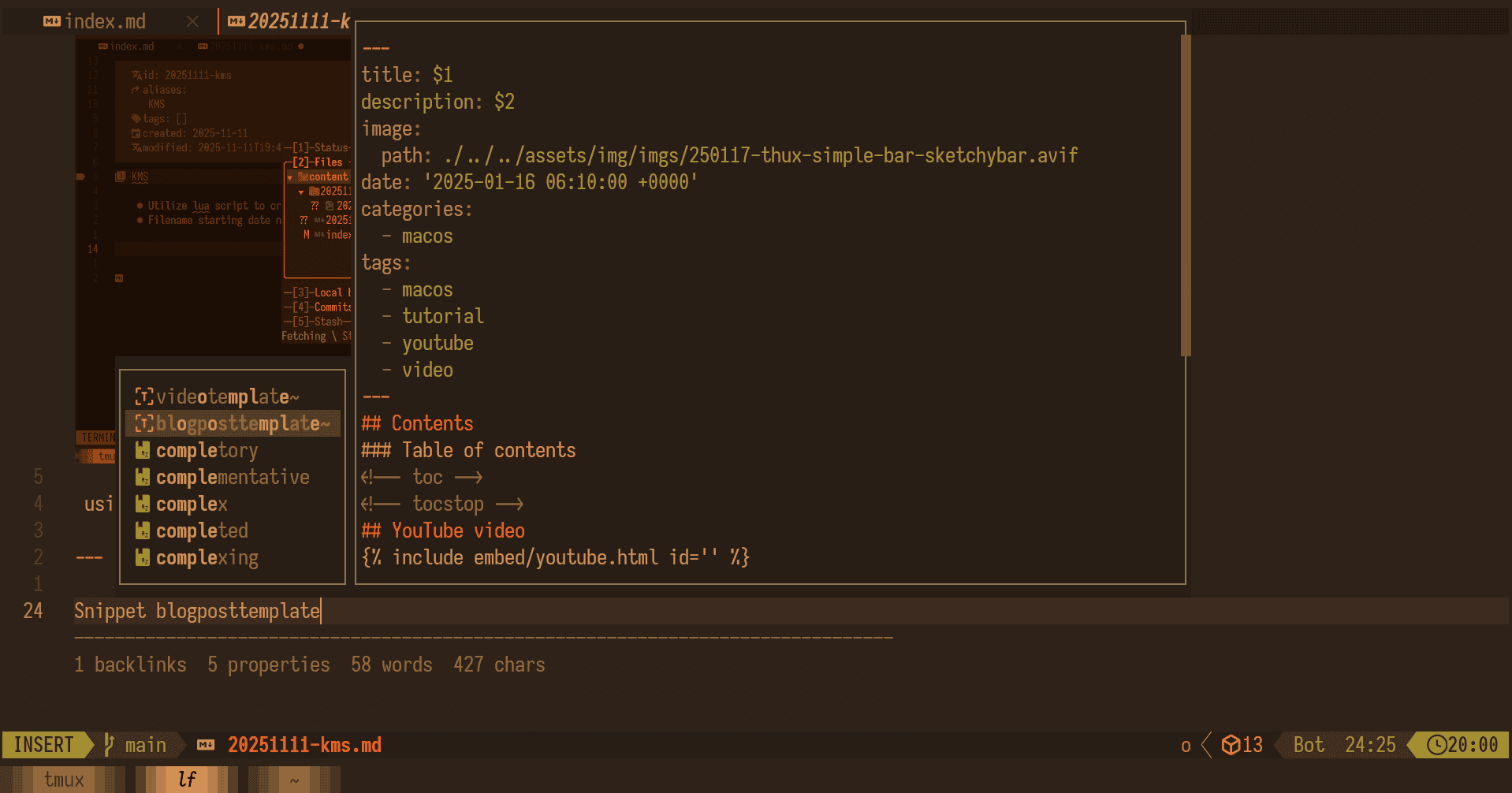
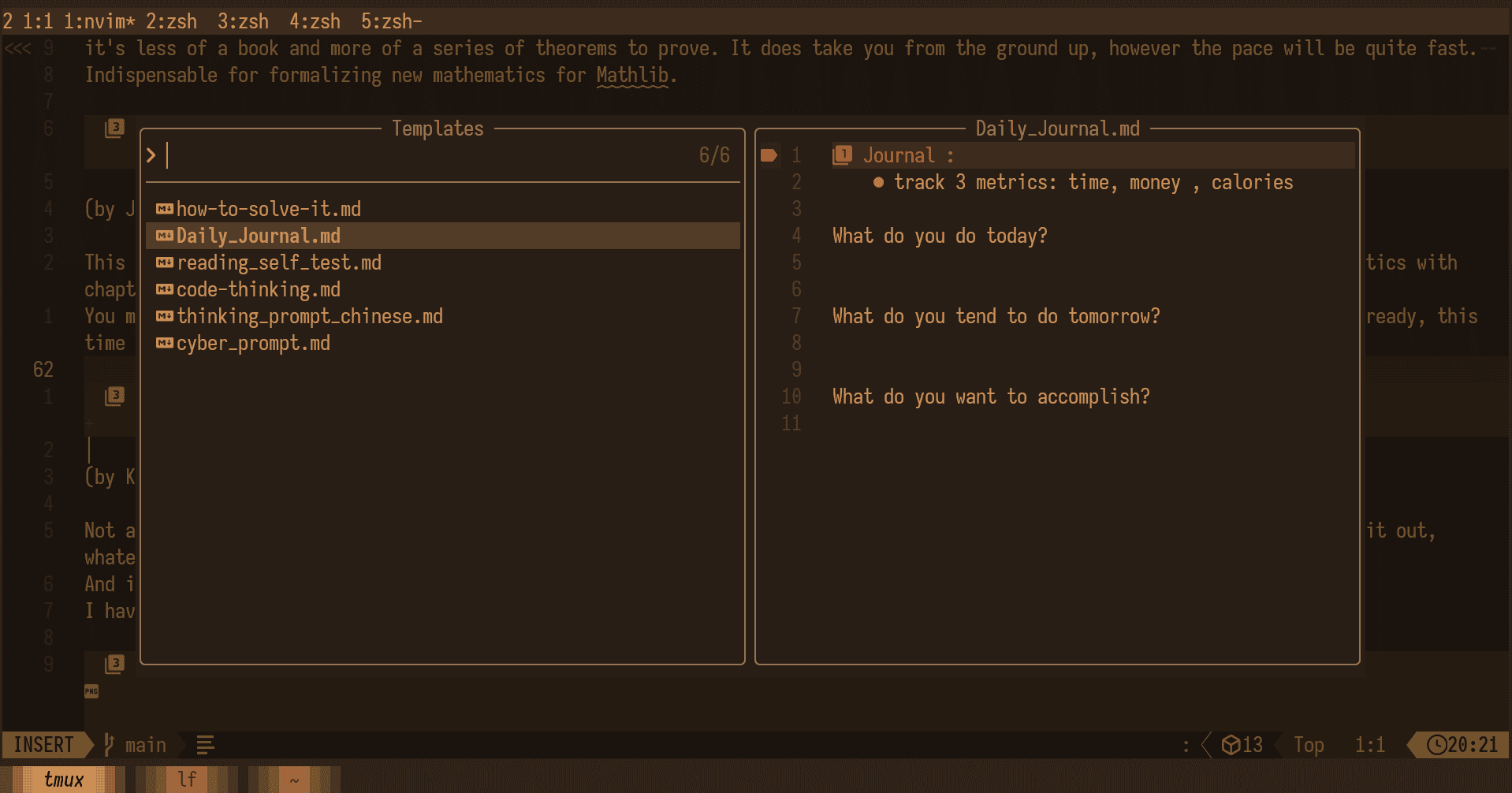
Template insertions:
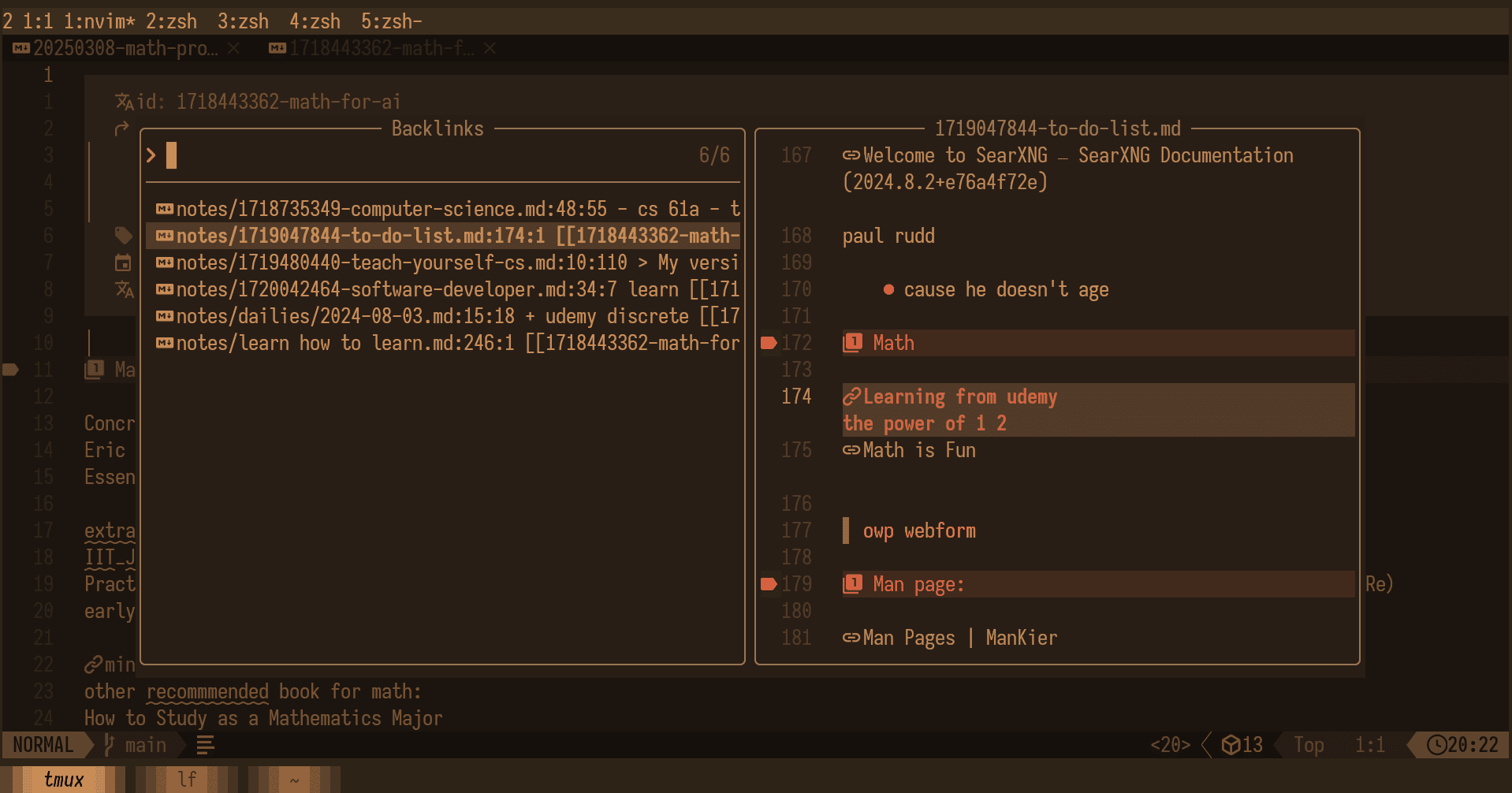
Showing backlinks
showing which notes have wiki links which pointed to current notes
PDF reading experience
calibre with customized font
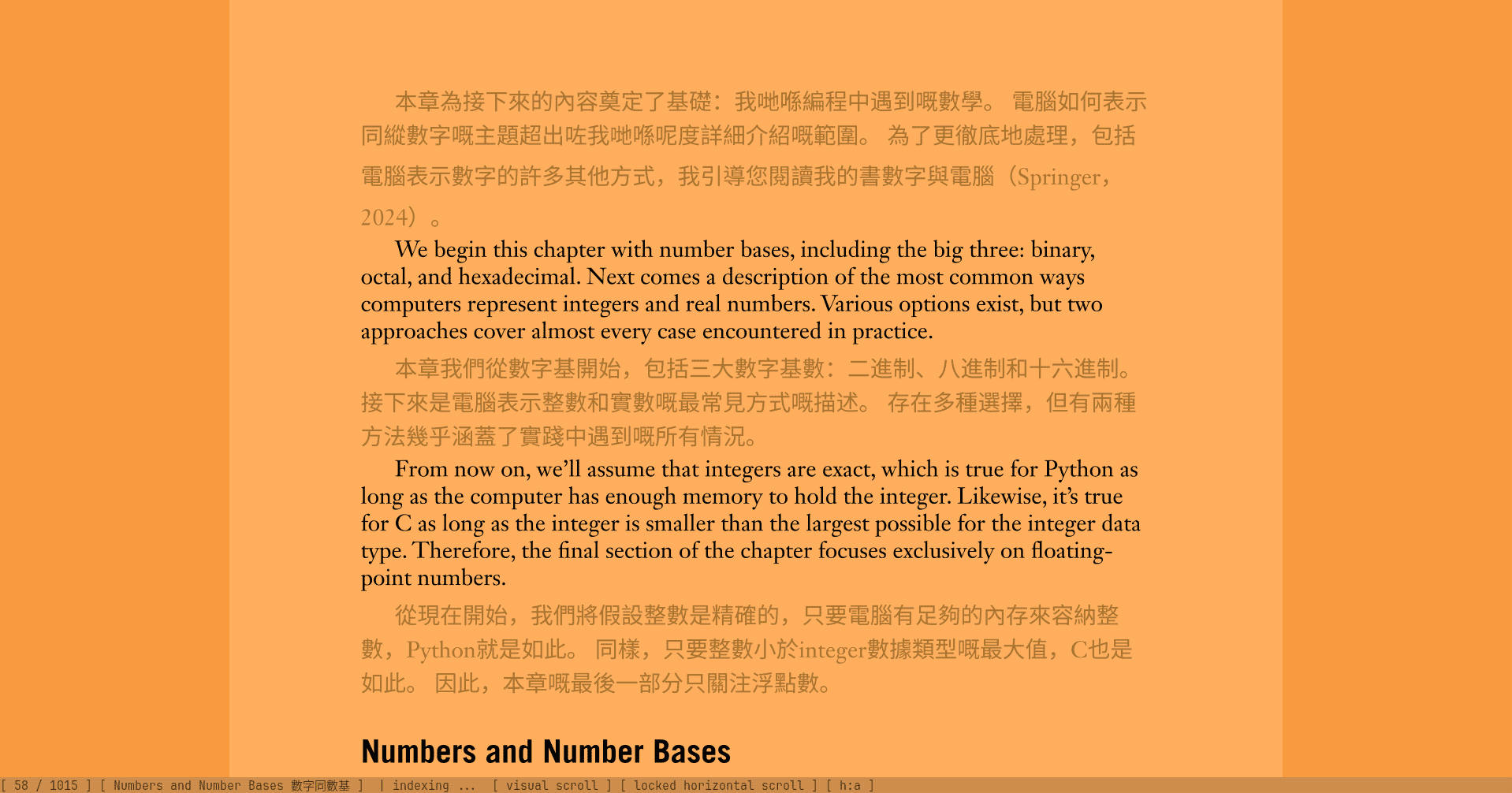
One for og english version and other is translated paragraph
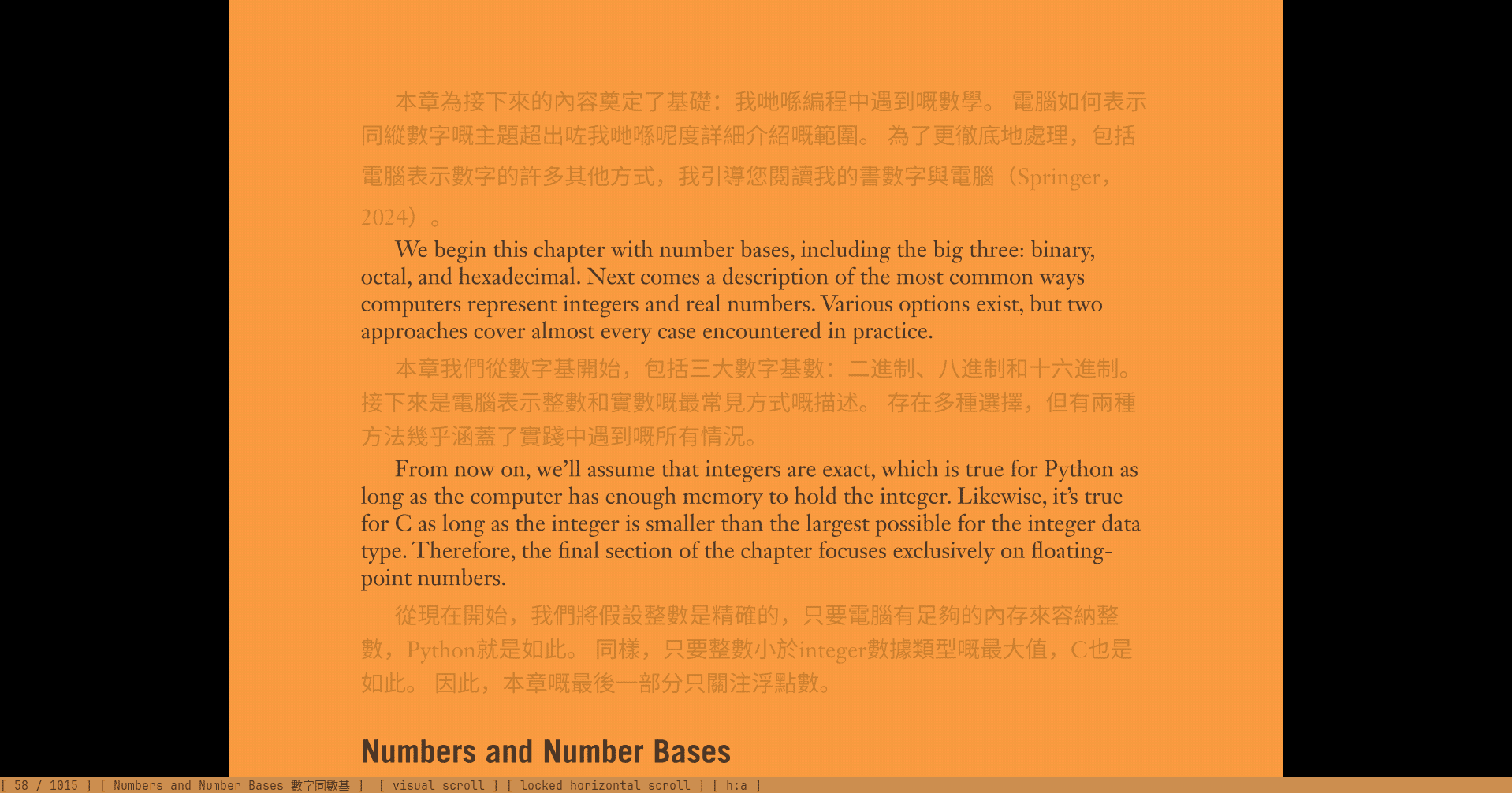
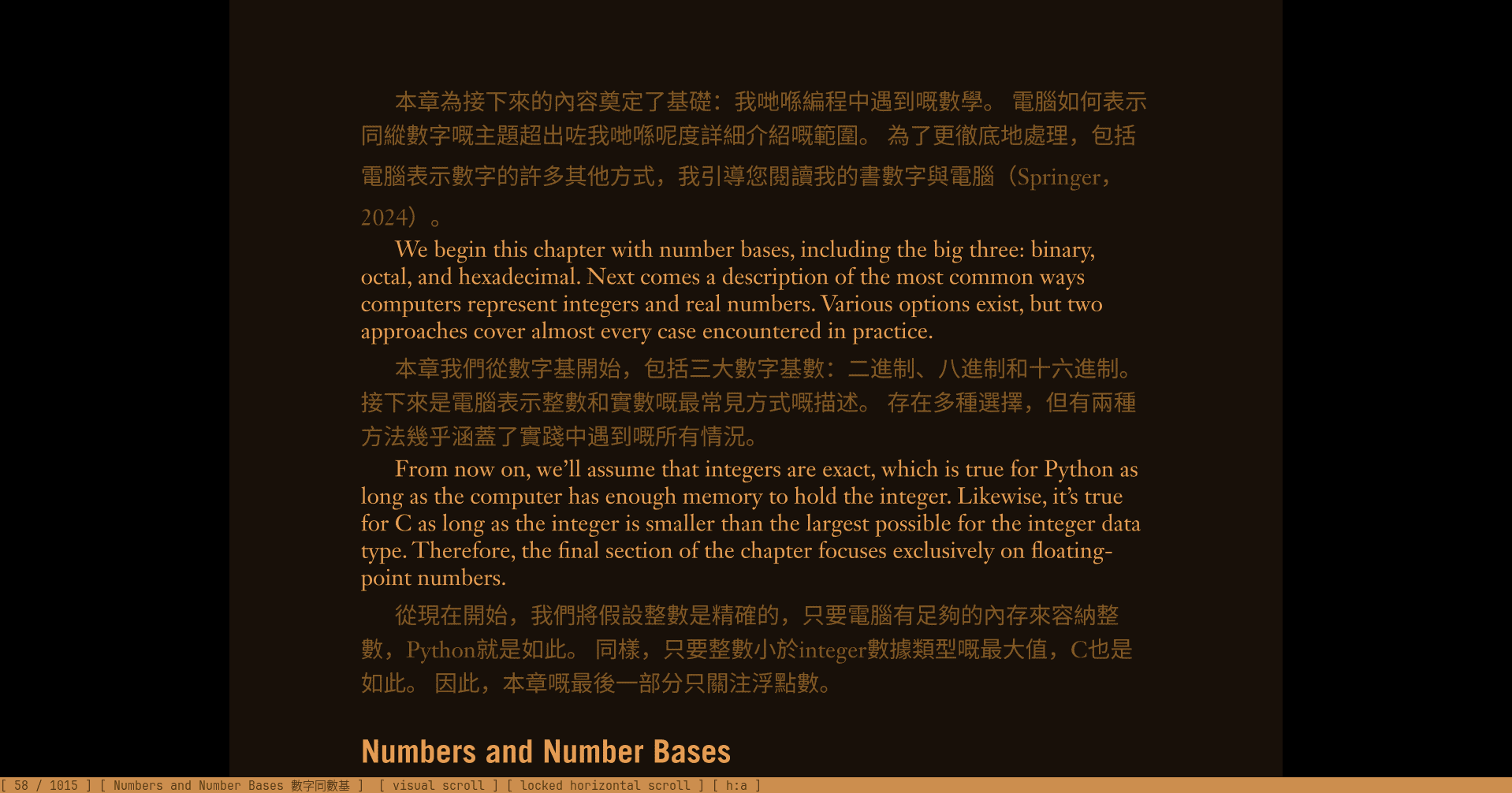
dark mode for focusing on English only
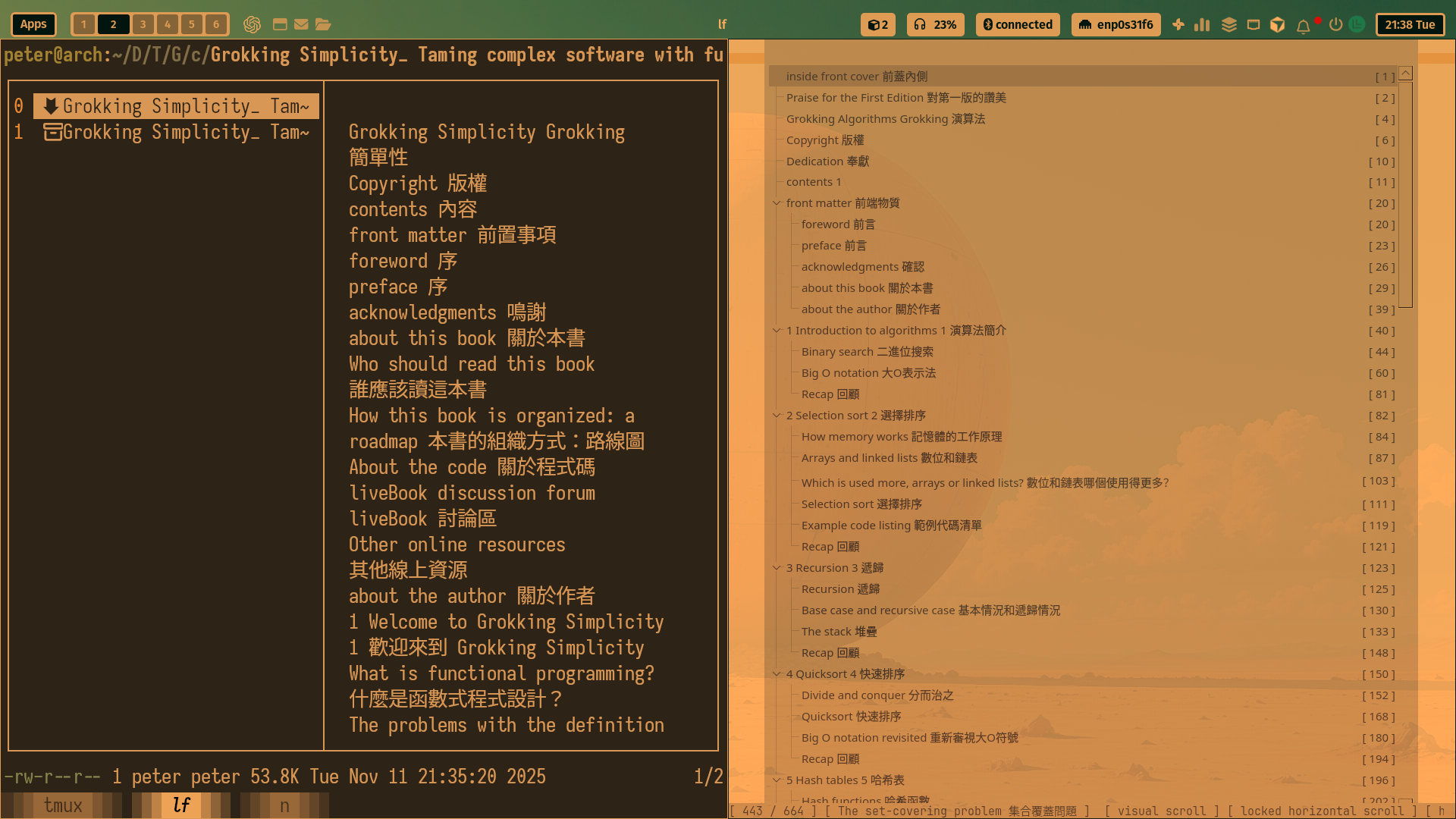
extract all pdf toc into plain text :
Video Learning experience
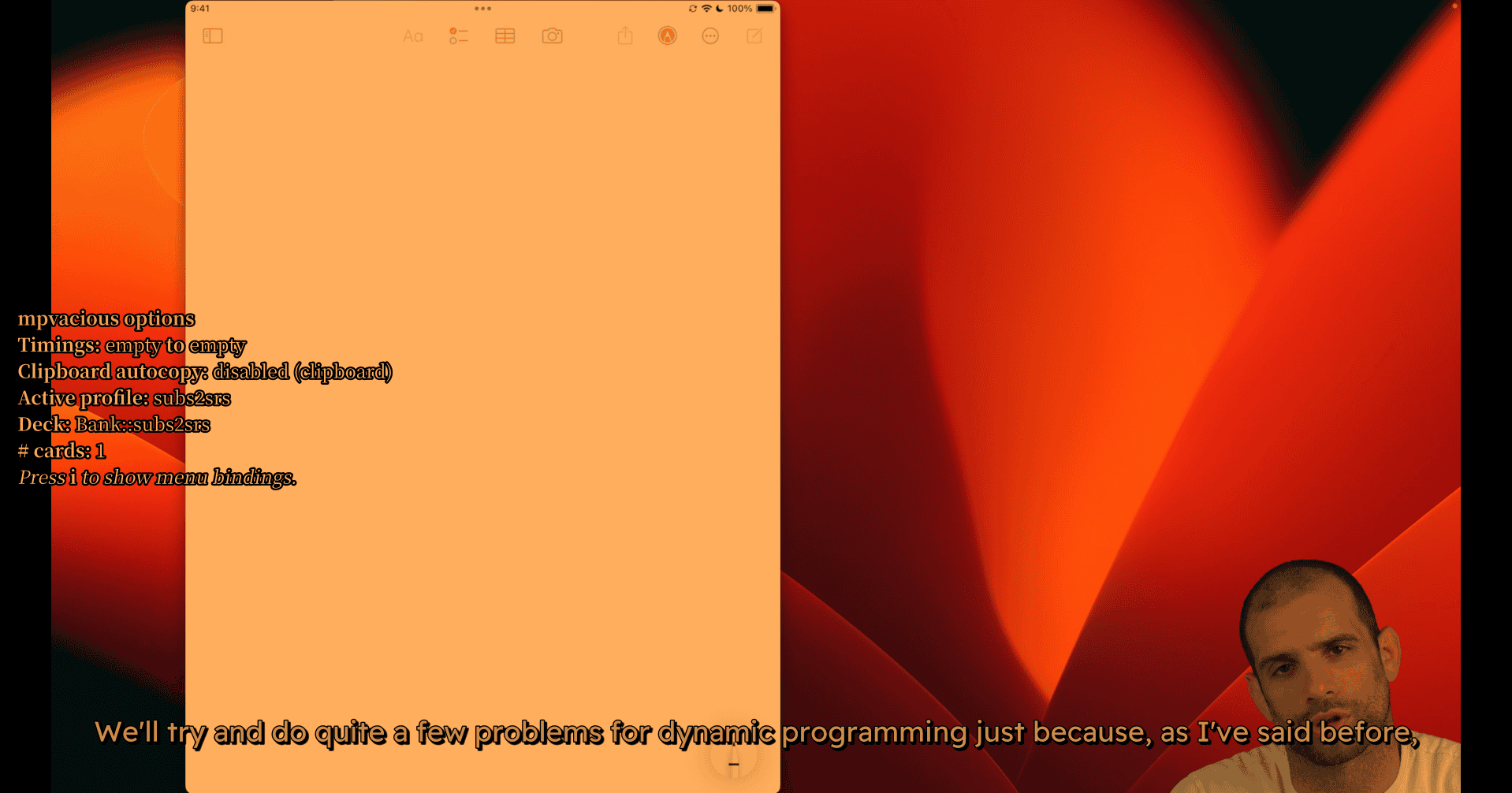
- auto copying clipboard
- Capturing current subs into anki (flashcard program)
- full open source
Using cursor AI related tools for studying
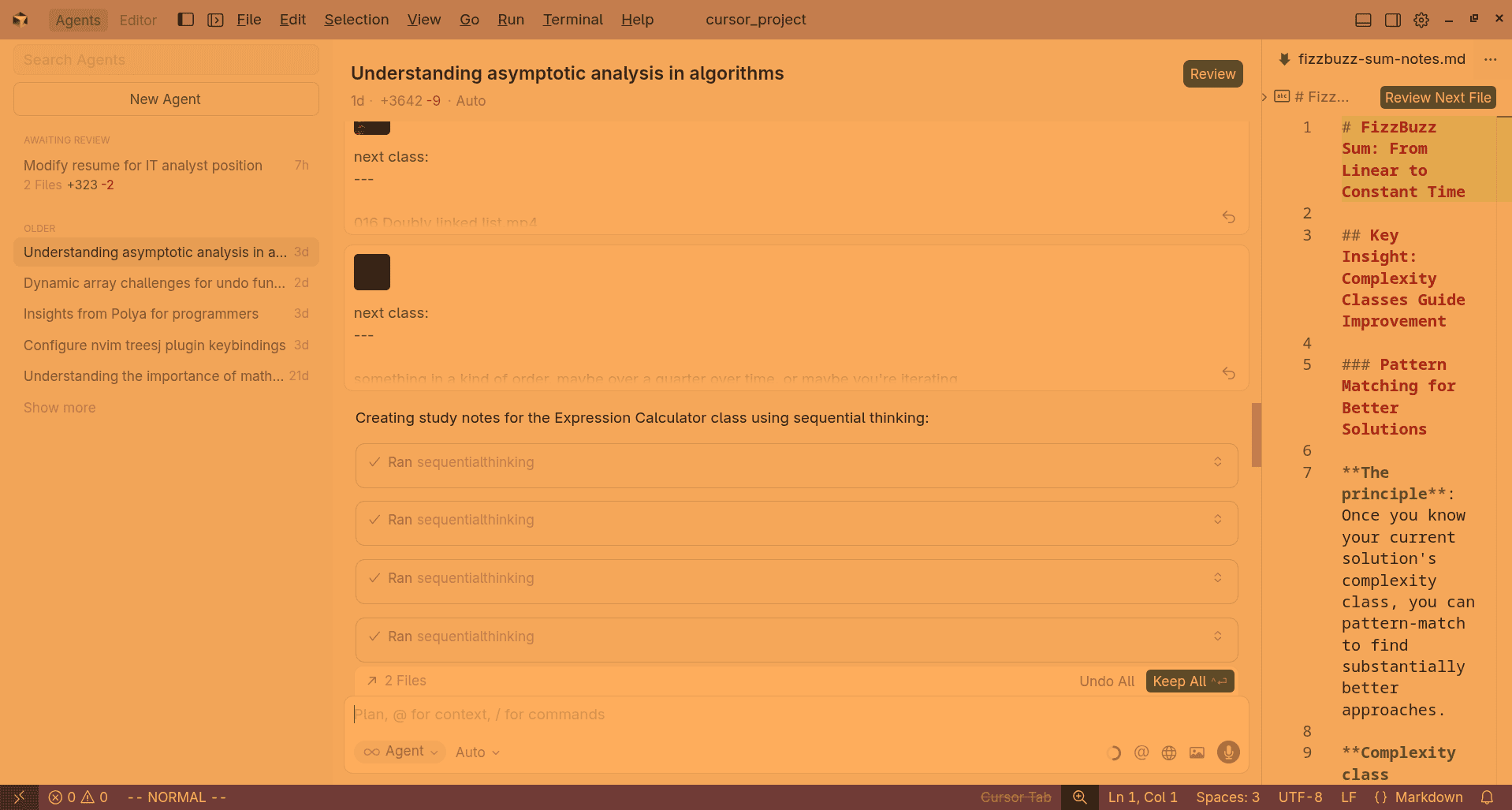
- Using mcp and subtitles(whisper ai model (video to text)) to generate notes 1 notes 1 program code
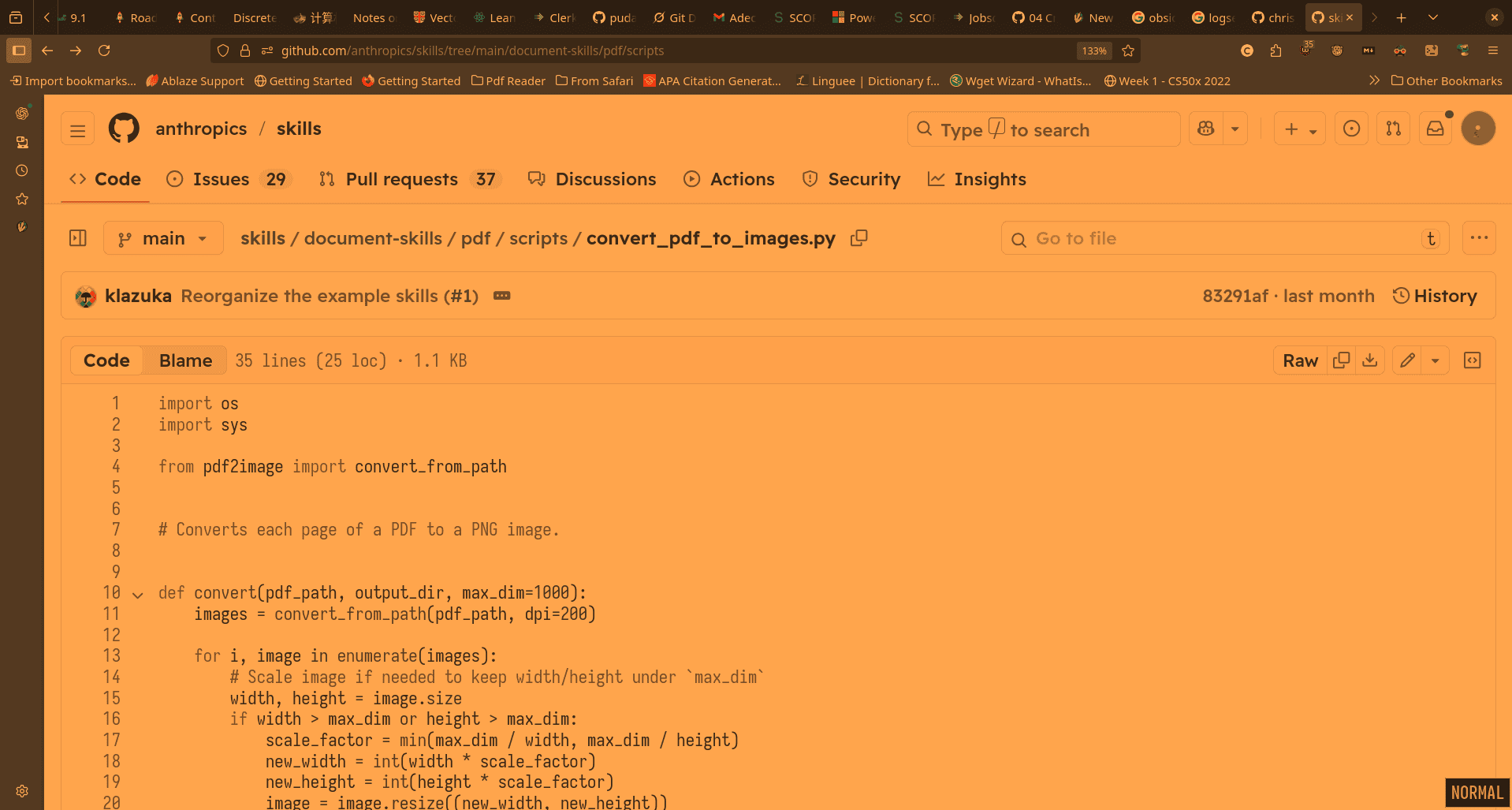
Also Learn from the best:
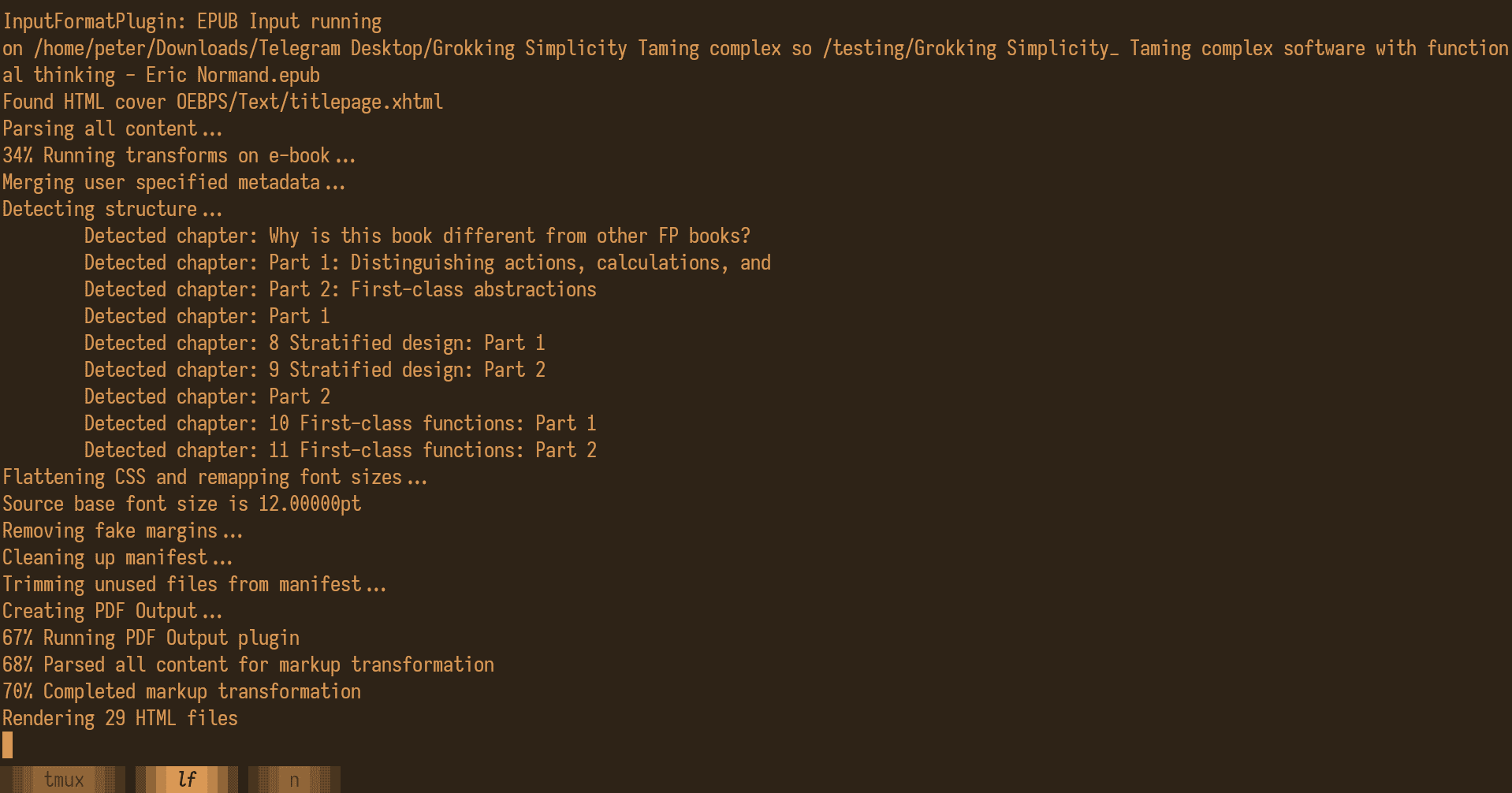
Turn webpages into epub
#!/bin/sh

set -eu

# Point this at whatever file your URLs are stored in.
urls="urls"

# Make the directory where we'll store the clean HTML for each post.
mkdir -p posts

# Iterate over the URLs, download them and clean them up with the readability-cli
# We use a count here to ensure that we organize the output posts in the same order that they are specified
# in the input file. This is helpful as you can lay out the full order of your book by just editing the URLs file.
count=1
cat "$urls" | while read url
do
    output=$(printf "posts/%03d.html" $count)
    readable -q --low-confidence force "$url" -o "$output" 2>&1 > /dev/null
    count=$((count+1))
done

# Take all of the posts and put them into a book.
pandoc -o TheBook.epub posts/*.html
- take advantage of using firefox reader mode to capture html
- pandoc for convert epub
Using MS markitdowns tools to convert files into markdown
microsoft/markitdown: Python tool for converting files and office documents to Markdown.
At the moment, the following optional dependencies are available:
[all] Installs all optional dependencies
[pptx] Installs dependencies for PowerPoint files
[docx] Installs dependencies for Word files
[xlsx] Installs dependencies for Excel files
[xls] Installs dependencies for older Excel files
[pdf] Installs dependencies for PDF files
[outlook] Installs dependencies for Outlook messages
[az-doc-intel] Installs dependencies for Azure Document Intelligence
[audio-transcription] Installs dependencies for audio transcription of wav and mp3 files
[youtube-transcription] Installs dependencies for fetching YouTube video transcription